Manager User
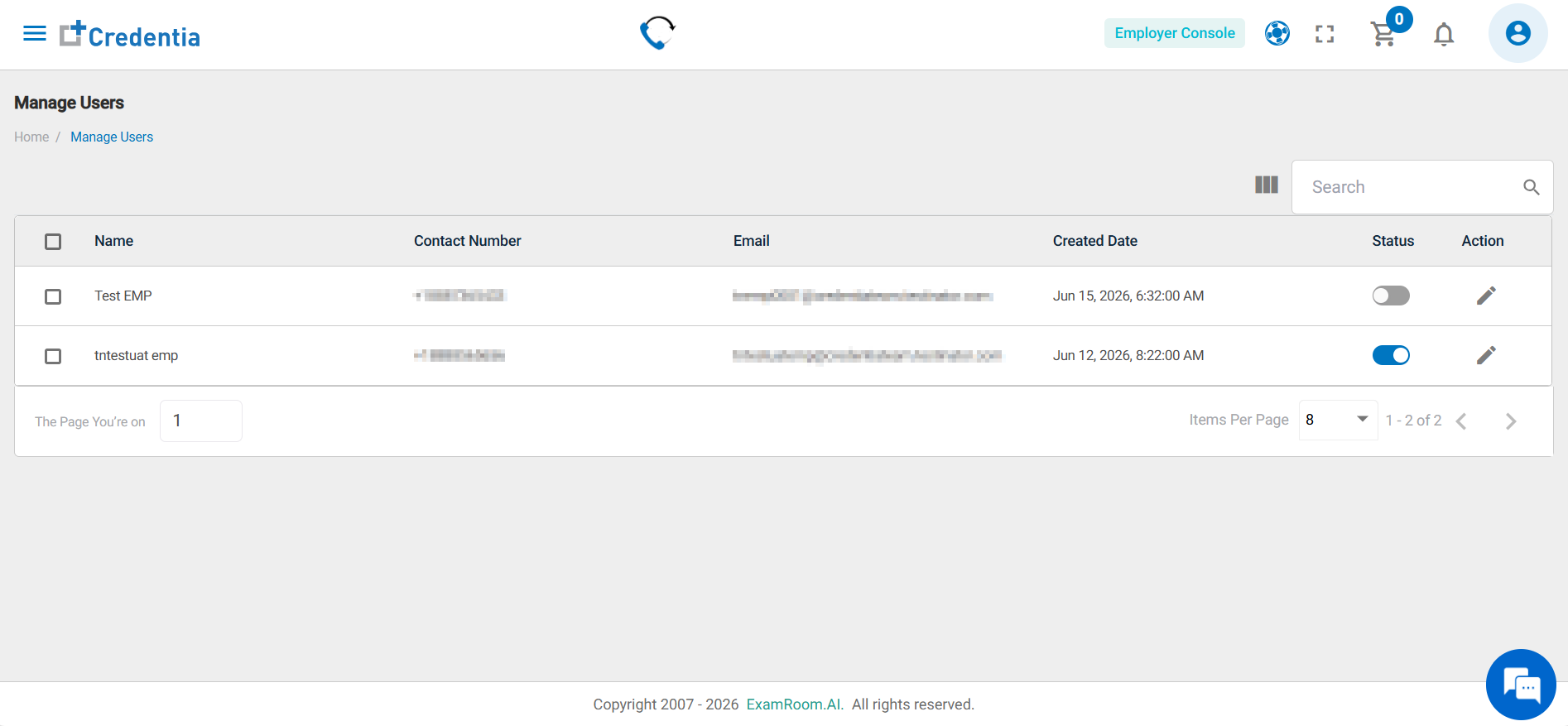
Manage Users lets you view and manage internal users for the Employer Console. The list includes name, contact info, email, creation date, and status. You can view detailed info and edit users. Search and filter tools help find users efficiently.
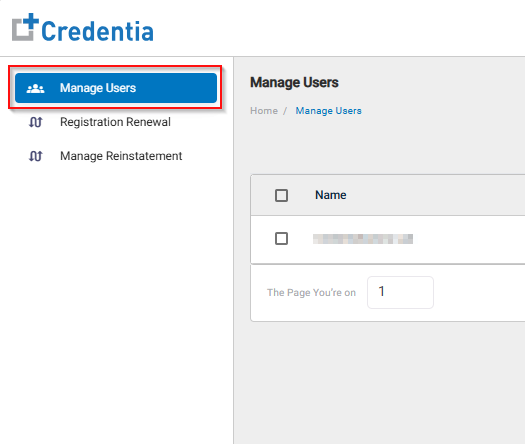
Follow the steps below to view Employee Console users:
- From the left side menu, select Manage Users.
View User List
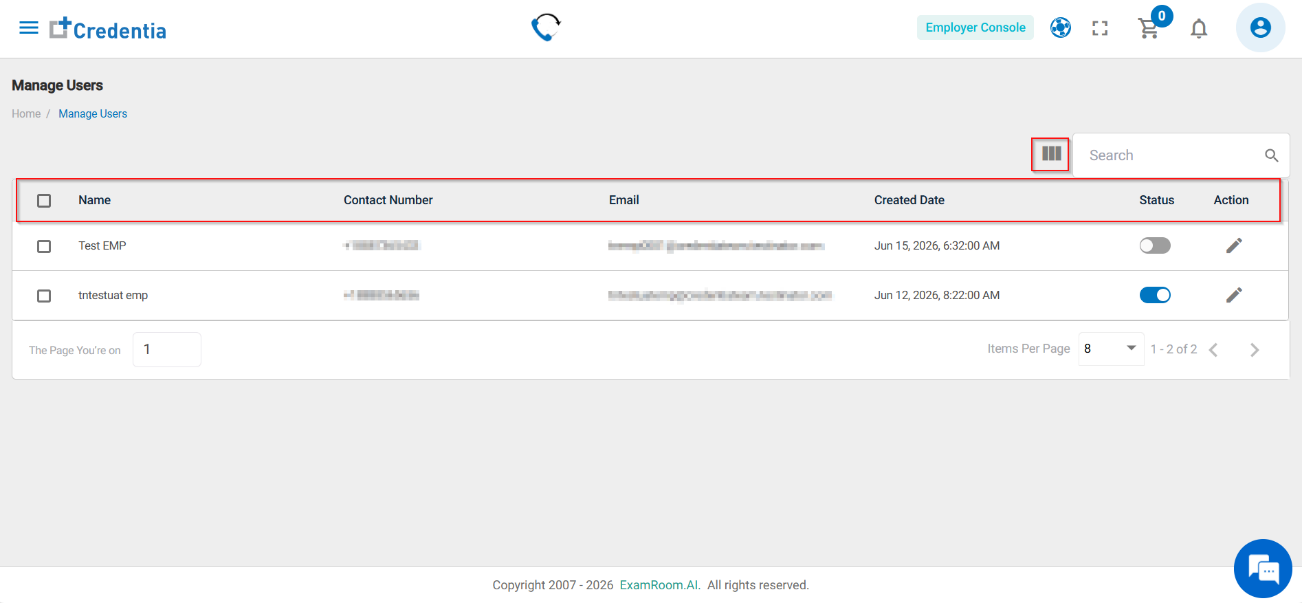
The User details show the following information:
- Name: Name of the employer console user.
- Contact Number: Contact Details of the employer console user.
- Email: Email ID of the employer console user
- Created Date: The date and time of the creation of the employer console user.
- Status: Status of the employer console user.
Filter and Search Options
Use the following tools to locate users efficiently:
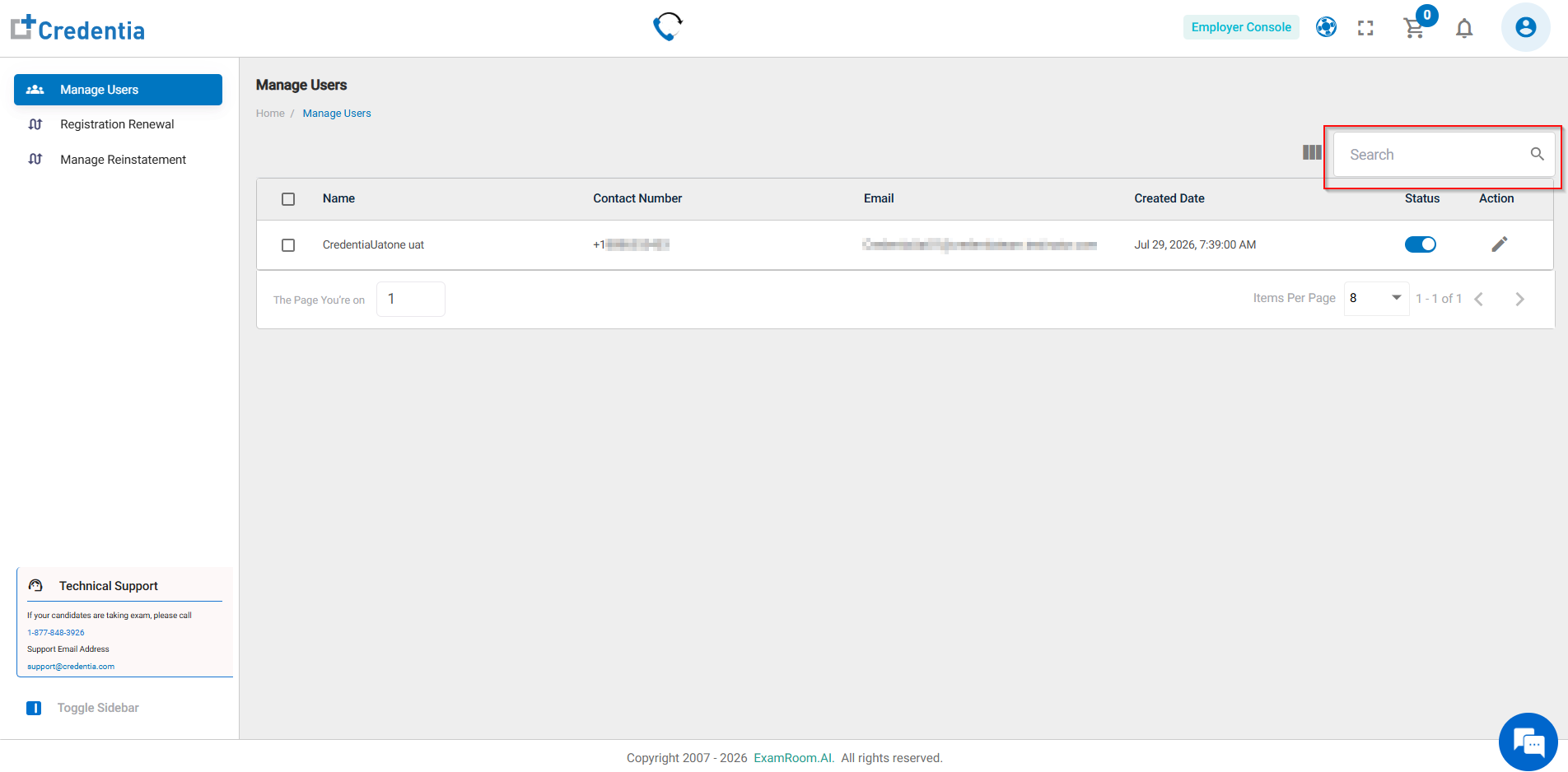
- Enter details in the Search bar to find a specific user.
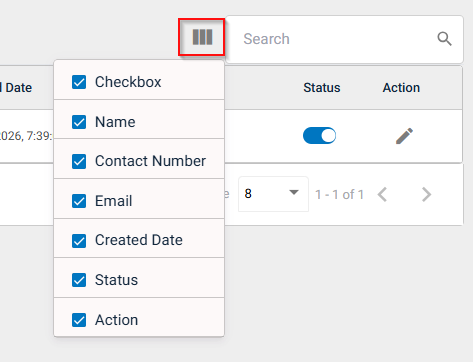
- Click the table Filter icon to customize visible columns.
- Use the checkbox to view or hide the columns in the table.